Last Week: Discounted Prices, Merge Listings, and Listing Notes (September 16, 2026)
Send a struck-through price next to a sale price on your marketplace listings, combine listings into one configurable parent, and leave notes on a listing. Scheduled submissions are retired.
Last updated: Sep 16, 2026 at 2:04AM
New Features
- Discounted prices on a marketplace — when a product carries both an MSRP and a lower selling price, Osello can send both, so shoppers see the higher price struck through and the sale price beside it. One switch per marketplace decides whether the discount goes out, and an offer now shows price, MSRP and markdown together. Learn more
- Merge Listings — combine several listings into a single configurable parent. Learn more
- Notes on a listing — free-text markdown notes, previewed from the listings table. Learn more
- Bulk action pages, with retry — see every bulk operation, follow it from an indicator in the top bar, and retry the rows that failed. Learn more
- Submit specific variants — pick variants on the variants page and submit only those. Learn more
- Decide whether a marketplace pushes orders to your store — a switch per marketplace, so you can take orders into Osello without them reaching your store. Learn more
- Field instructions for one category only — write instructions that apply just within a category, so the AI fills that field the way the category needs. Learn more
- Product and variant exports — export your products and product variants to Excel from a mass action on the products page. Learn more
- One-click AI image edits — pre-approved edit actions in the Image Asset Manager, and listing agents can now edit images directly. Learn more
- Filter variants by source product — filter a marketplace's listing variants by the tags and SKUs of the products behind them.
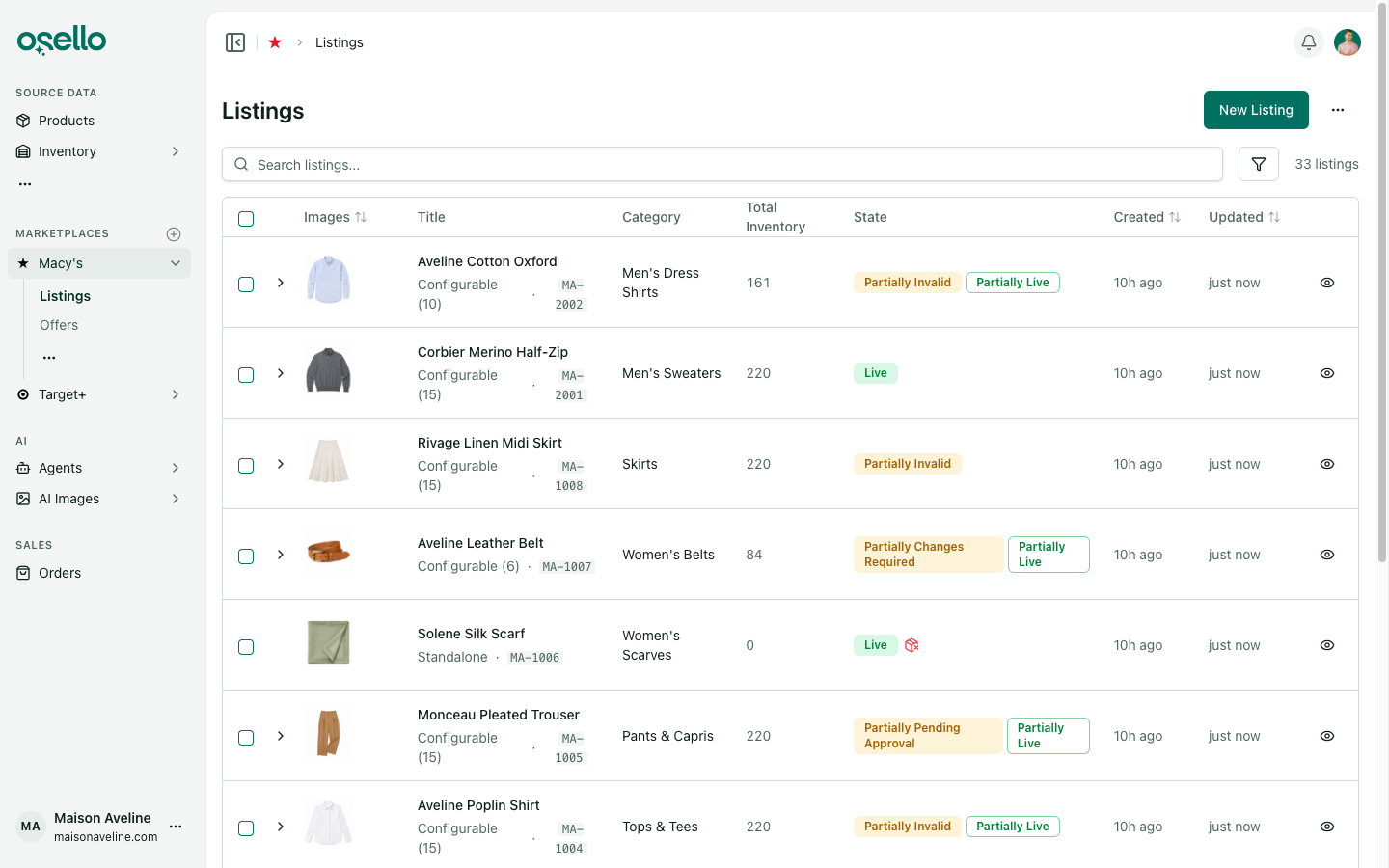
- A sortable Created column on the listings table.
Improvements
- The back button works on list pages — filters and search go into browser history, so going back returns you to the list you were looking at.
- Listing pages fit a phone — tooltips open on touch, and the pages are tighter on a small screen.
- Image cropping is about four times faster.
- Real swatch images on color buttons in every marketplace preview.
- Accepting an order checks your real stock, not the buffered quantity pushed to the marketplace. Learn more
- Leading zeros survive a CSV import — import cells are read as text, so a SKU or barcode starting with zero comes through intact. Learn more
- Expanding a listing row keeps your filter — the variants shown match the state filter you already set. Learn more
- The submit dialog shows the real reason — when a variant submission is refused, you see exactly why instead of a generic message.
- Faster submissions and imports — repeated lookups behind shared and parent-read field values were removed, and an import row no longer queues a content recheck for every field value it touches.
- Agents wait for bulk work instead of guessing — a bulk variant action is tracked, and its progress shows inside the agent's own step.
- A field editor opens on the saved value rather than a stale cached one.
- A listing waiting on an image isn't called invalid — it's held rather than marked incomplete. Learn more
- See the AI's edited image in the chat — the result shows in the thread and opens from the chat page.
- Resubmit an unlisted or suspended listing — it moves through submitting to submitted instead of stalling. Learn more
- The sign-in page follows dark mode instead of showing light colors.
Other Notable Changes
- Scheduled submissions, enables and disables are retired — set up an AI routine to do this work on a schedule instead. Learn more
API and MCP Updates
Version: 18.1.0
Notes for API consumers
- Breaking: the scheduled submission, enable and disable endpoints and their scheduling fields are removed.
- Channels expose
use_msrp_for_price("Only use MSRP") and a read-onlycalculate_and_push_discounted_pricederived from it, alongside whether order updates are pushed to the connected integration. - Mass actions cover variant enable, disable and submit, and expose per-row failure reasons for retry.
- Listing variant indexes accept source product tag and SKU filters. Listings accept a free-text note.
- Field instructions can be scoped to a taxonomy category. Product and product variant exports are available as export types.